AI Sample Room
AI Sample Room turns the colourways, fabrics and trims already in your WFX data into photoreal product images. Judge a design as a finished product, before a proto request ever reaches the factory.
Today, your team chooses between proto rounds, flat CADs and stock photography. None of them show how the finished product will actually look.
Each round of sampling adds four to ten weeks to your critical path. Get the look wrong and you pay it twice.
Flat sketches and tech packs cannot show how a fabric drapes, how a trim sits, or how a colourway reads in real light.
Marketing waits for sealed samples to land before they can shoot, build pages or brief buyers. Launch windows tighten.
Pull a product from WFX. Render it with the exact colourway, fabric and trims from its BOM. See it as a finished product before the first proto request reaches your factory.
Product in WFX
Lifecycle stage triggers a run
BOM and colourways pulled
Real materials, no guesswork
AI Sample Room renders
Photoreal output, your choice of style
Team reviews
Align on direction before factory engagement
Move forward, with confidence
Or skip a round entirely
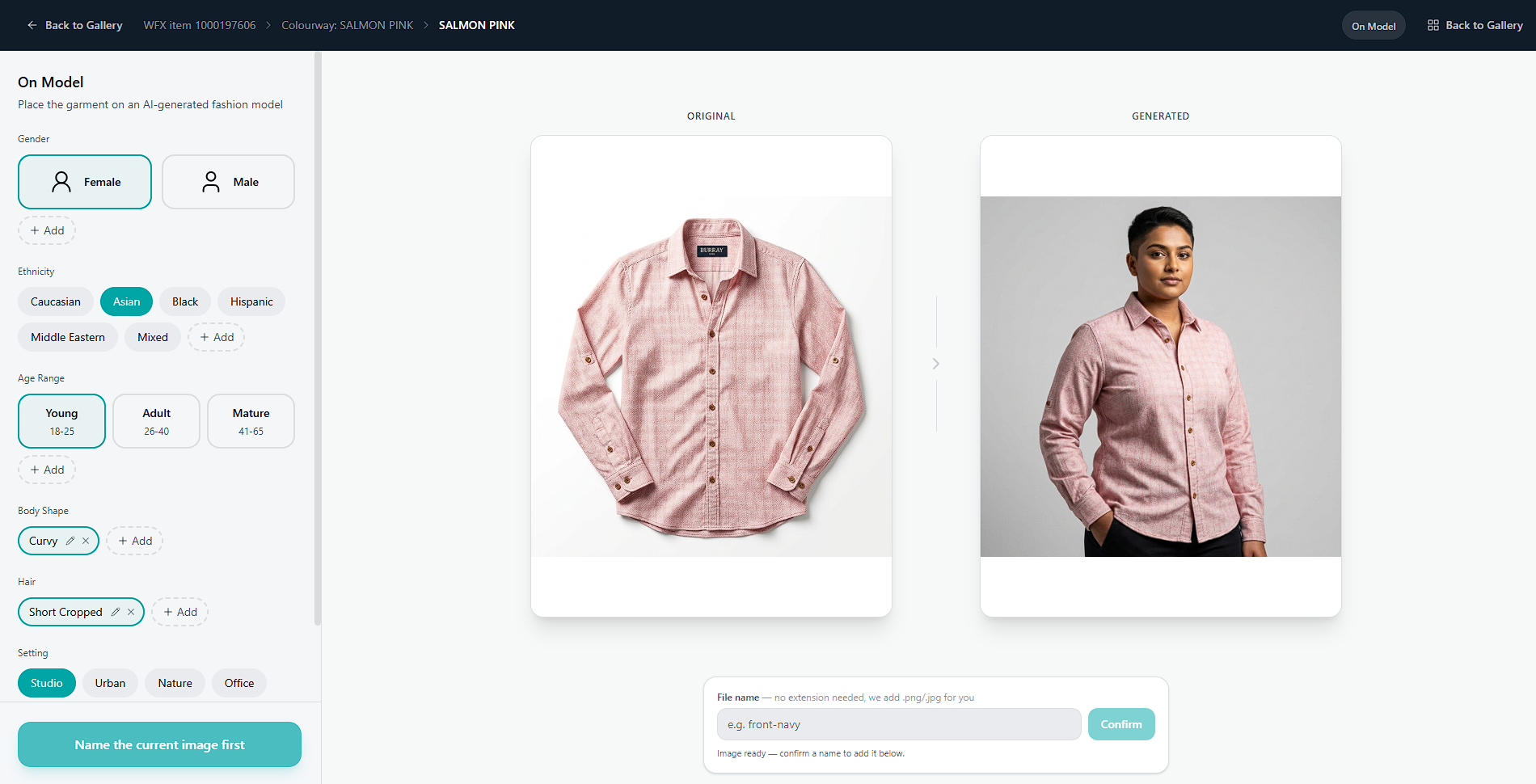
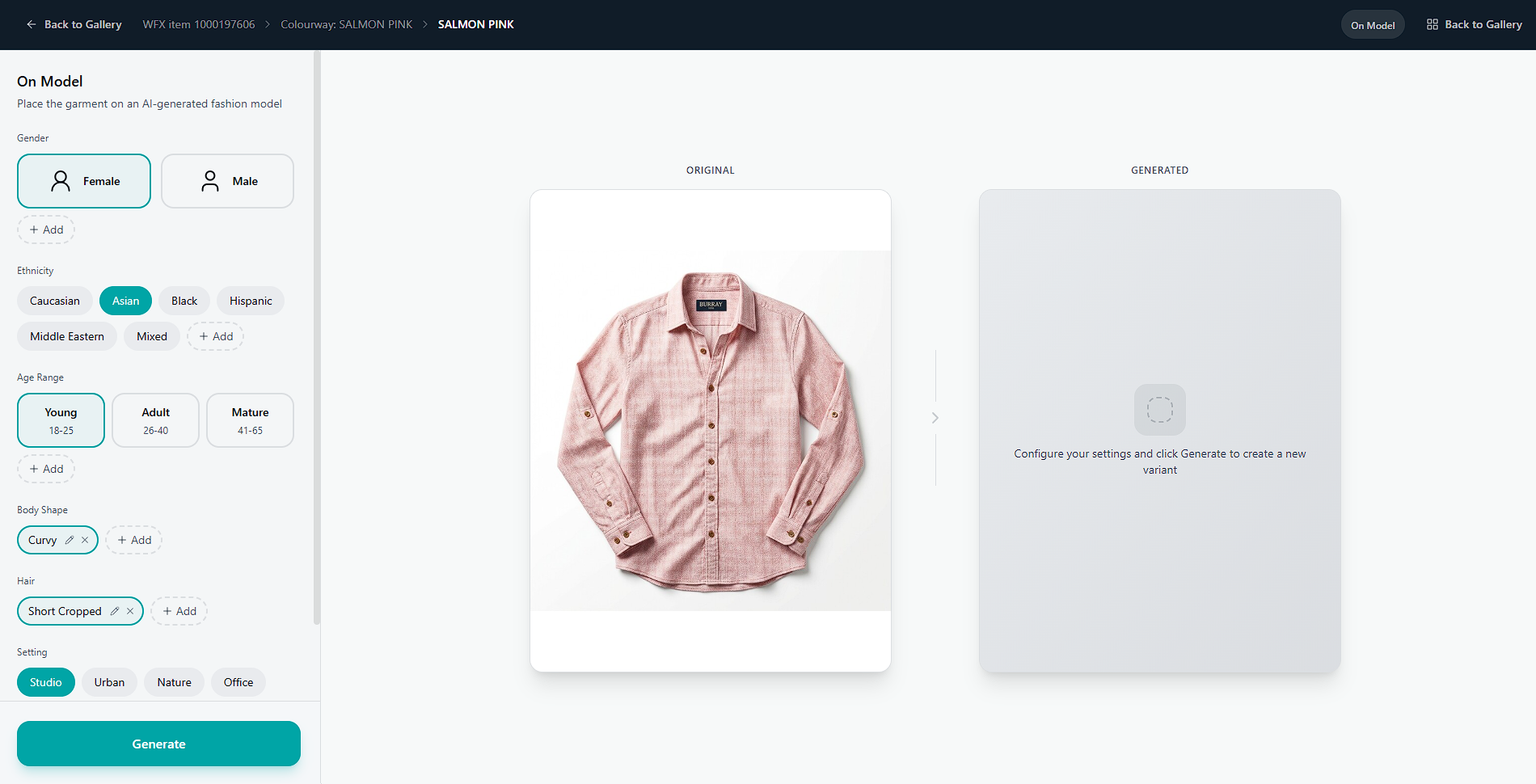
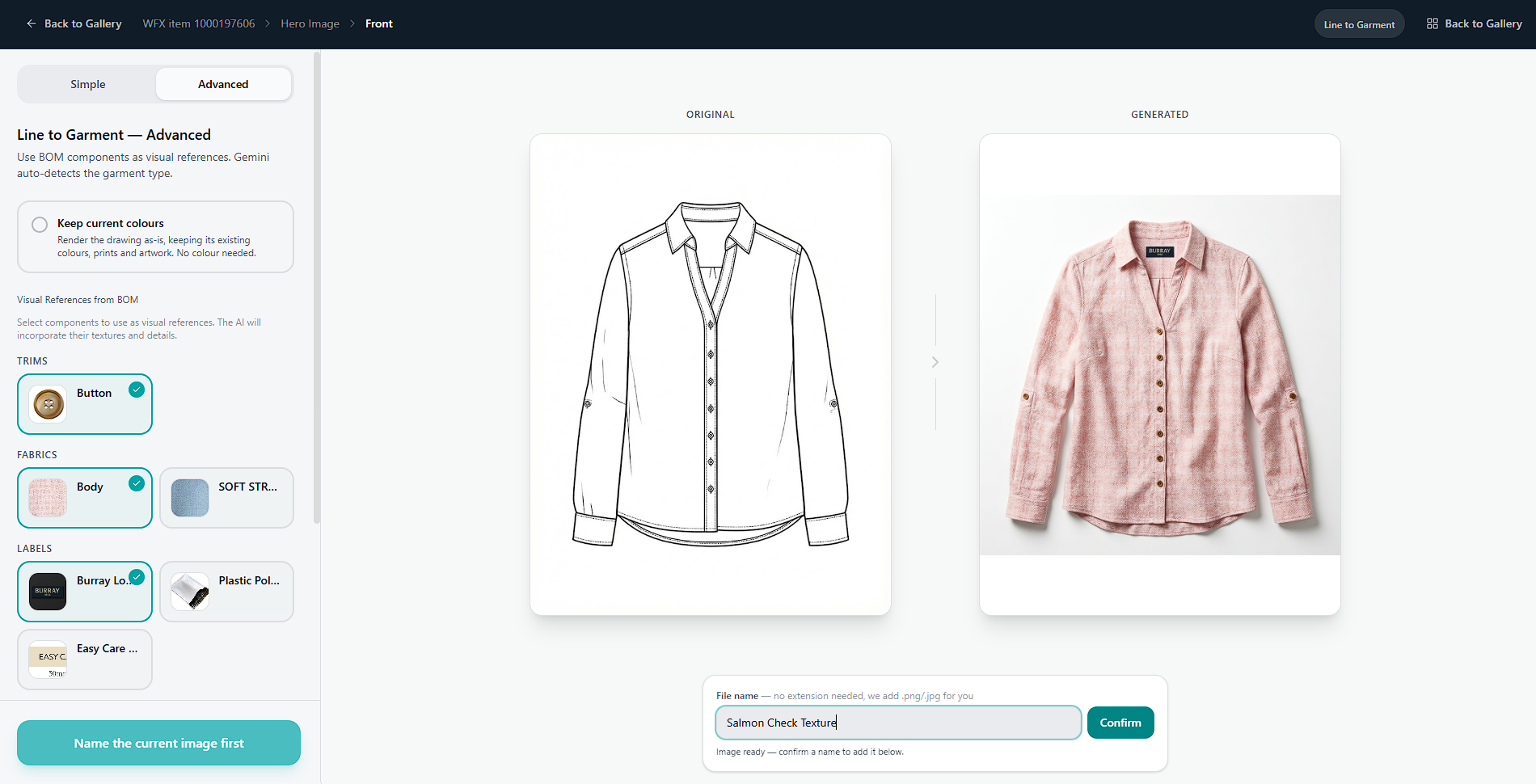
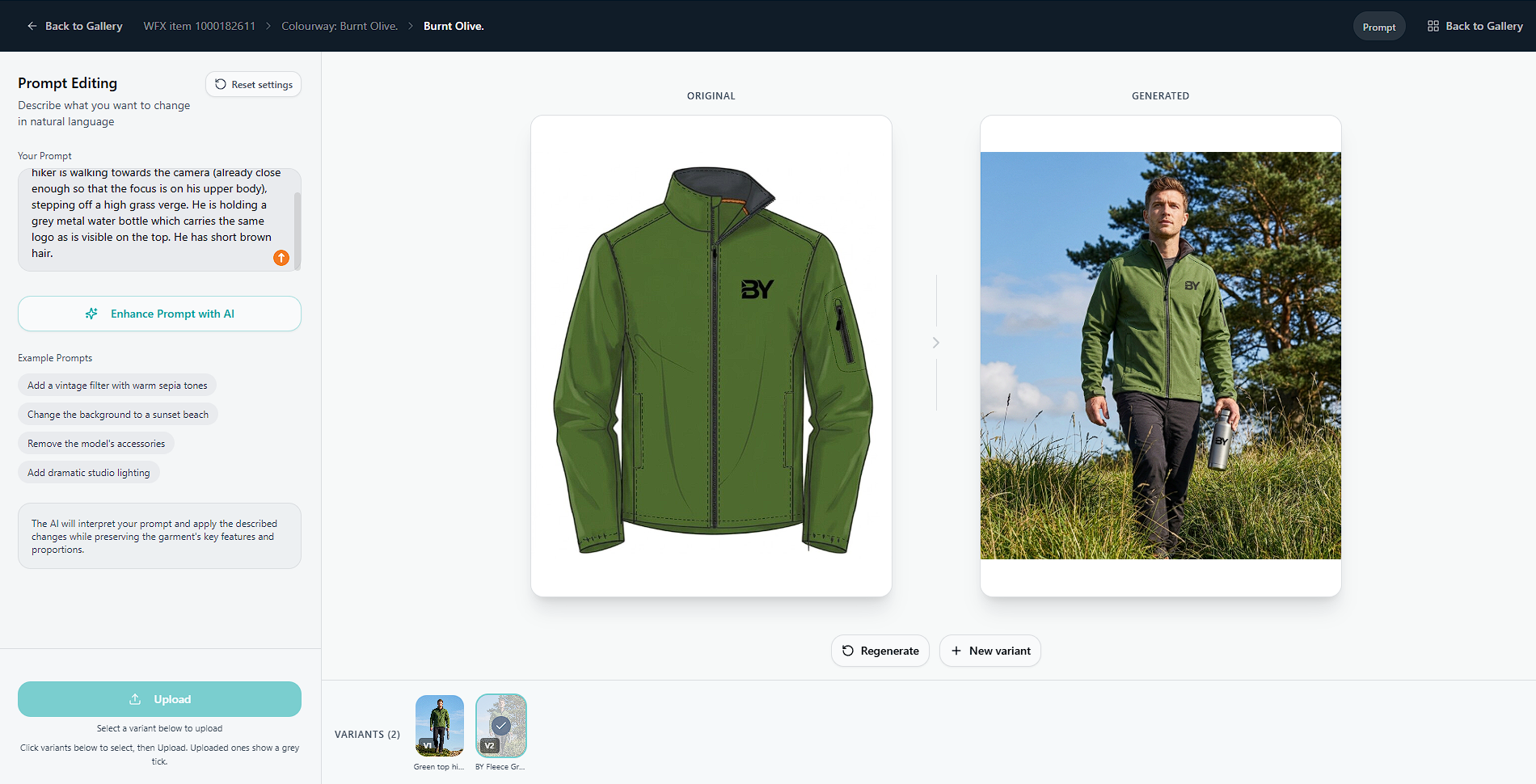
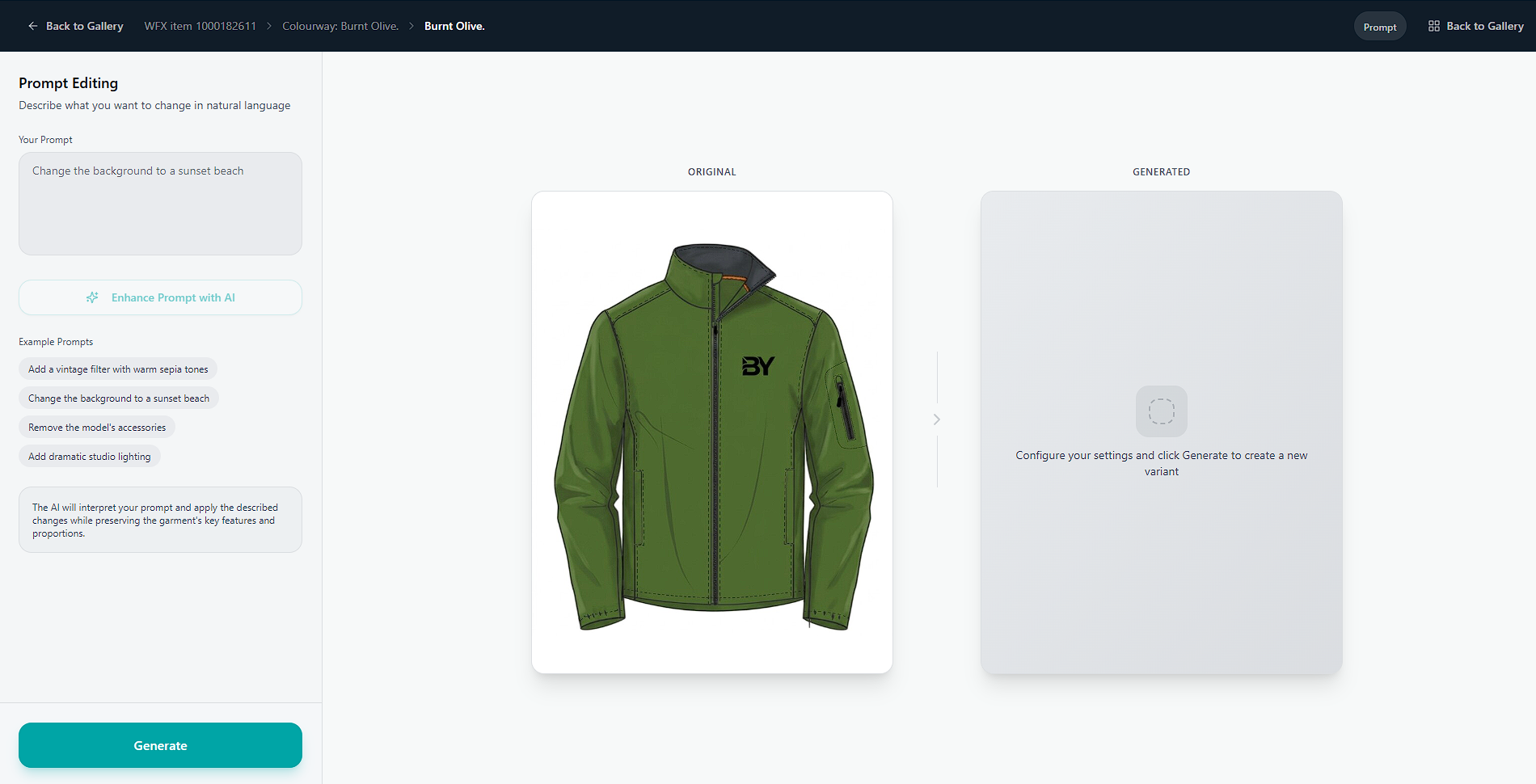
Take a CAD and turn it into a coloured CAD using your colourway library, or render it further with the materials and trims from its BOM. From the same flat sketch, your team can see a product at three levels of fidelity, all driven from one record in WFX.
It does not replace a sealed sample or pretend to predict everything the factory will see. What it does deliver is a far richer view, far sooner, than a tech pack can carry on its own. Enough for designers and developers to discuss a real product, not a line drawing.
AI Sample Room reads your BOM, your colourway library and your trims directly from WFX. The render uses your real components, not generic textures from an image model.
Generate the base render once, then render the full colourway range automatically. No re-shoots, no manual recolouring, no buyer presentation that only covers the headline colour.
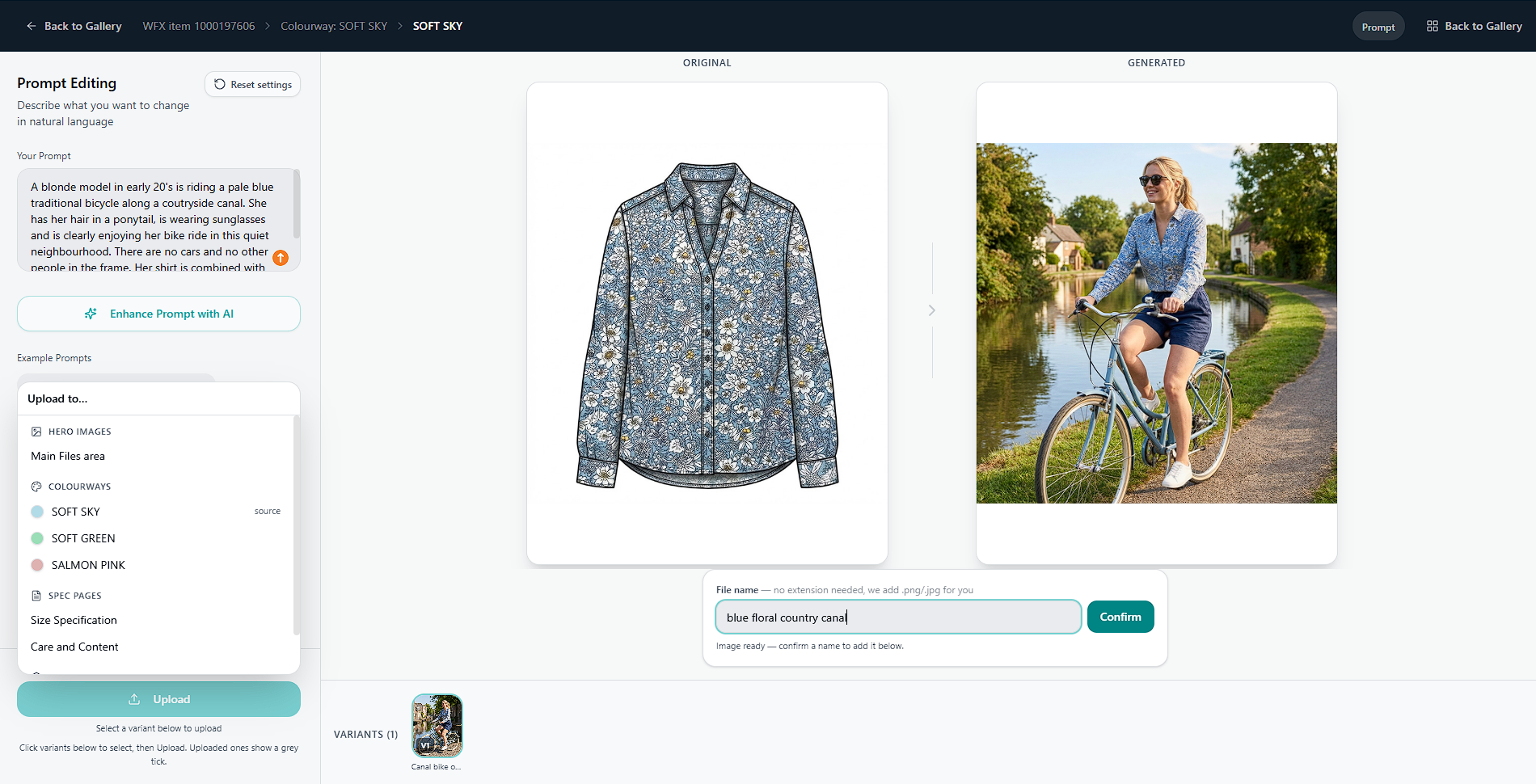
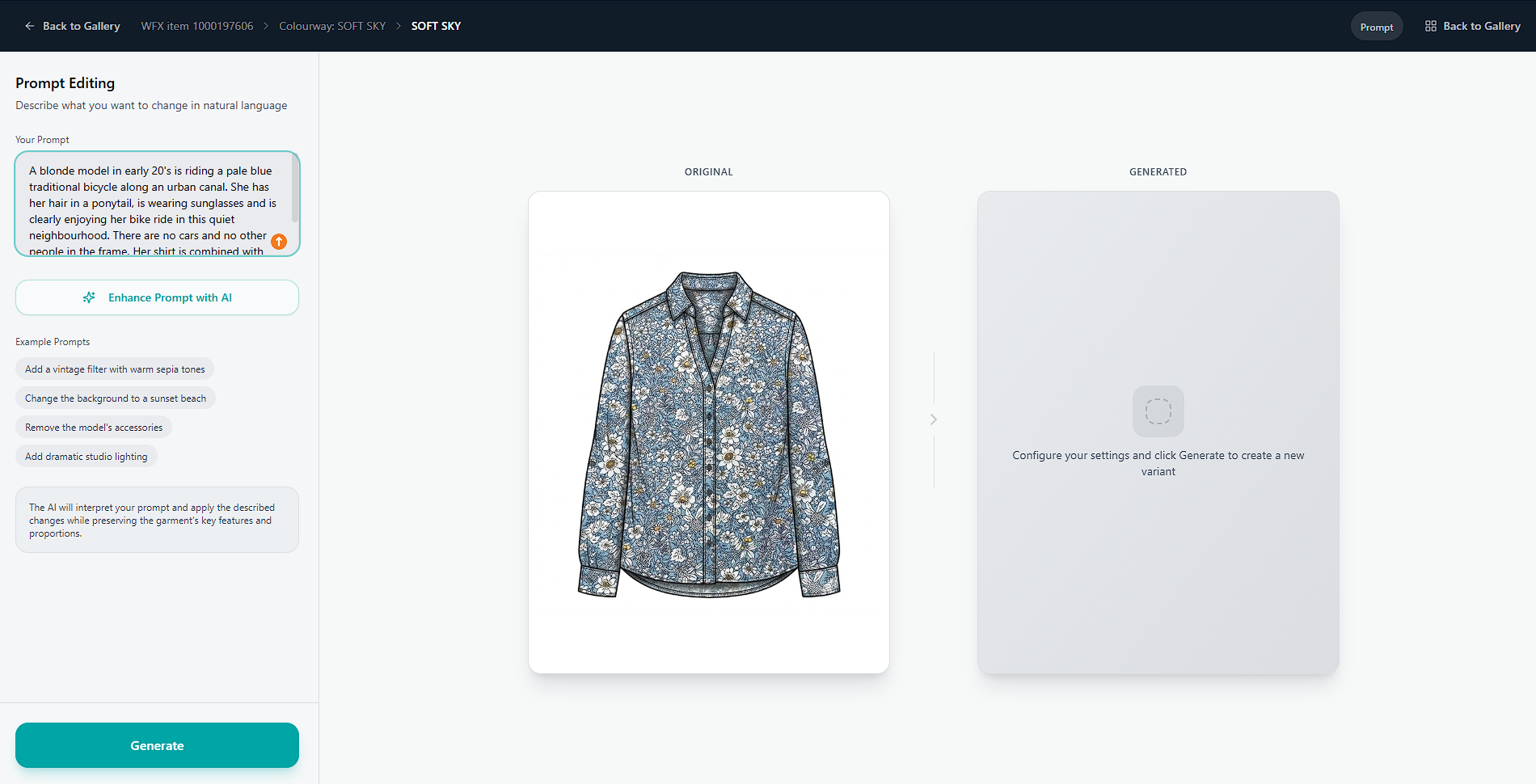
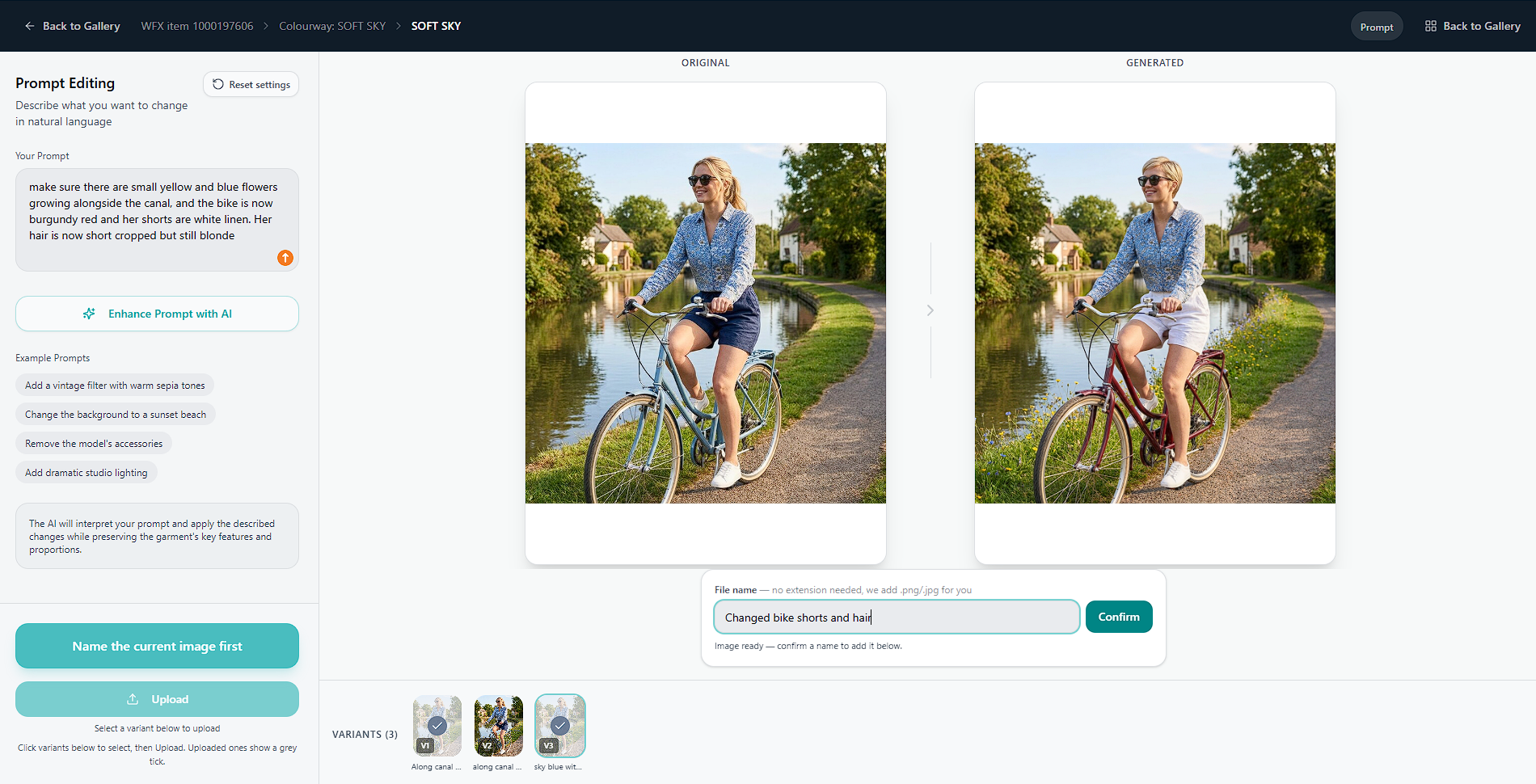
Use the same WFX product to generate flat product images, studio-style shots or on-model lifestyle imagery. Same source data, different styles, all internally consistent.
Every render is a starting point, not a final. Tweak the styling, swap a colour, refresh the model or adjust the scene afterwards. In plain language: no re-shoot, no re-brief to a studio.
The output serves a wide brief: factory references, range reviews, wholesale listings, lookbooks, even styled images that brief a photographer ahead of the real shoot.
The result is a faster decision loop. Designers and developers work side by side against a single visual suite. Variations get initiated sooner, and management support for a development can often be secured before a sample is made. The team recovers weeks they would otherwise spend waiting to see.
Book a thirty minute demo. We will pull a product from your WFX and bring it to life in the session.
Book a DemoNo new system to learn. No new data to enter. AI Sample Room reads what you already have in WFX.
A standard WFX connection, set up by us. No infrastructure change on your side.
Any product, at any lifecycle stage. As long as the BOM exists, it can be rendered.
Choose a style: flat, studio or lifestyle. Renders complete in seconds.
Design review, buyer presentation, lookbook draft, PDP setup, supplier brief.
Same product data, four different jobs.
Catch fabric and trim mistakes before they hit the factory floor. Judge silhouettes as finished product.
Visualise the full range months before samples arrive. Make line-build decisions with confidence.
Build pre-launch lookbooks and campaign concepts from PLM data, without waiting for sealed samples.
Start PDP setup before stock arrives in the distribution centre. Launch ready on day one.
Generic AI image generators do not know what fabric you specified, what colourways the buyer signed off, or how your BOM rolls up. AI Sample Room does, because it is a WFX extension built by its.fashion. Real materials, real colourways, lifecycle-aware, every render rooted in your actual product data.
Your data and renders are never used to train any model. Outputs belong to you.
AI Sample Room works alongside WFX. No new logins for the wider team, no extra data entry.
its.fashion has solutioned over 100 PLM related projects. We understand the data behind the product.
AI Sample Room is being deployed with international fashion brands running WFX at scale. The founding cohort run complex multi-market operations with significant design and development teams. Alongside the obvious benefits of seeing results much faster, they are applying AI Sample Room with a sharp environmental angle: every render that replaces a proto round is the materials, freight and emissions of that round avoided.
If your business has the reach and the ambition, we will work alongside your team and help shape what gets built next for your sector.
Enable your teamBook a thirty minute demo. We will bring one of your own WFX products to life, live in the session.
